
Key Takeaways
- Attorney-client privilege supports confidentiality and limits certain disclosures; it does not encrypt files or protect devices from theft, loss, or intrusion.
- An estate planner generally needs information about your assets and intentions, not your plaintext passwords, recovery codes, or seed phrases.
- Ask how a firm manages email, devices, access permissions, backups, incident response, and the return or deletion of client data.
- Consider keeping legal documents with your attorney while storing sensitive operational credentials in a separate, carefully governed system.
Estate Planner Security: The Overlooked Part of Legacy Planning
Choosing an estate planner involves more than reviewing professional credentials and experience. It also means understanding how the firm handles the personal and financial information required to prepare your plan.
Estate planning files may include family relationships, tax information, account details, business interests, and health-related instructions. Those records can move through email, document-management systems, laptops, phones, printers, and backup services. Each step deserves sensible safeguards.
A modern smartphone or laptop can hold a large volume of documents, but the exact capacity depends on file size, format, applications, and available storage. The more useful point is simpler: one lost or poorly secured device may expose many clients at once. Good estate planner security therefore combines sound legal processes with practical information-security controls.
How Ordinary Workflows Create Risk
Security problems do not always involve an unusual technical attack. They can arise when a confidential document is sent as an ordinary email attachment, copied to an unmanaged device, or retained after a matter has closed.
For example, an estate-planning client might provide a detailed intake packet during a consultation. An office may scan it, send it between staff members for review, and download it to a laptop used while traveling. If those systems lack strong authentication, encryption, access controls, or remote-wipe capability, the information may be exposed even though no one intended to mishandle it.

The American Bar Association's Tech Report provides useful information about technology adoption and security incidents in the legal profession. A firm’s ethical duties remain important, but they do not substitute for encryption, secure configuration, employee training, and a tested response plan.
Common Weak Points in Attorney Digital Security
When reviewing a firm’s attorney digital security practices, focus on how information is handled day to day. The following issues are worth discussing:
- Scattered files: Scanned forms, notes, and email attachments can be copied across folders, local drives, portable storage, and backup services without a clear inventory or retention schedule.
- Personal devices: If staff use personal phones or computers for client work, ask whether the firm manages those devices, separates business data, and can remove information remotely.
- Excessive collection: A planner may need to know where assets are held and who should receive them. That does not usually require the firm to collect plaintext passwords, recovery codes, or cryptocurrency seed phrases.
- Former-worker access: Access should be removed promptly when an employee, contractor, or outside service provider leaves or no longer needs the information.
The NIST Cybersecurity Framework offers a useful, vendor-neutral way to discuss identifying, protecting, detecting, responding to, and recovering from security events.
Legal Privilege Is Not the Same as Data Security
Attorney-client privilege is a legal protection for certain confidential communications between a client and lawyer made for the purpose of obtaining or providing legal advice. It can limit compelled disclosure in litigation and discovery, subject to important exceptions and jurisdiction-specific rules. It does not encrypt a document, prevent a stolen phone from being opened, or stop an unauthorized person from copying files.
Confidentiality duties and privacy obligations are also distinct from technical security. A firm should use reasonable safeguards to protect client information, but clients should still ask what those safeguards are and how they work.
"Legal confidentiality is an ethical promise made by an individual. True data security is an operational certainty enforced by mathematics."
The FTC’s data-security guidance is another helpful reference for evaluating basic practices such as access control, authentication, secure disposal, and incident planning. It is not a substitute for legal advice, and requirements vary by role, information type, and jurisdiction.
Consumer Cloud Storage and Zero-Knowledge Architecture
Different storage arrangements provide different protections. Server-side encryption protects data while it is stored, but the service or an authorized administrator may still control the keys or be able to access decrypted content. End-to-end encryption and zero-knowledge architecture are designed to limit that access, although their effectiveness depends on implementation, account recovery, device security, and how keys are managed.
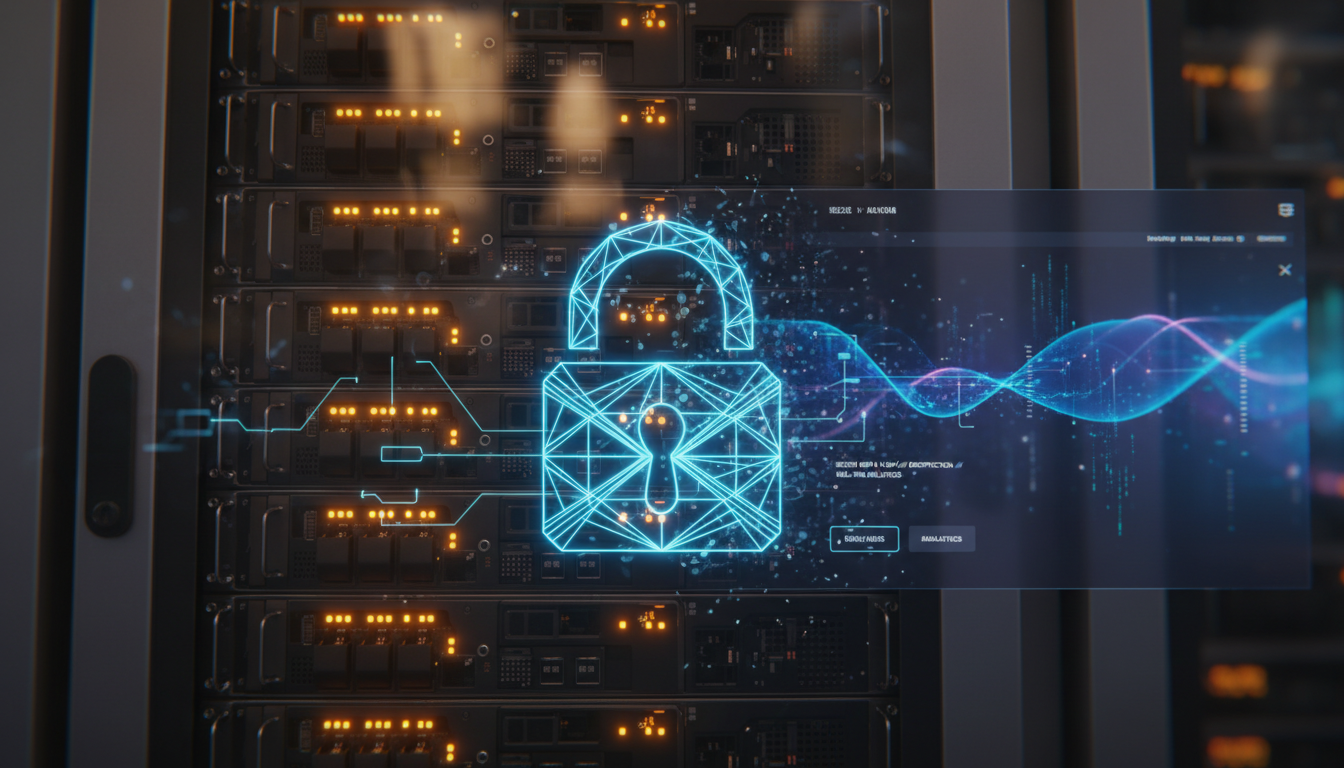
In a client-side encryption model, information is encrypted on an authorized device before it is uploaded. The provider stores ciphertext rather than an ordinary readable copy. This can reduce exposure at the storage provider, but it also makes key recovery and trusted access planning essential. A lost key may mean lost access.
Estate Planner Security Audit Framework
| Security Assessment Area | Red Flag (Vulnerable Practice) | Green Flag (Modern Standard) |
|---|---|---|
| Document Transmission | Routine email attachments without additional safeguards | A secure client portal with encryption and controlled sharing |
| Endpoint Device Policy | Unrestricted use of personal phones and computers | Managed devices, screen locks, updates, encryption, and remote-wipe capability |
| Asset Discovery | Requesting plaintext passwords or seed phrases | Recording asset locations and instructions without collecting access keys |
| Digital Vault Capability | Shared folders with broad access and unclear retention | Client-controlled, encrypted storage with clear permissions and recovery procedures |
The 5-Point Vetting Checklist Before Signing a Retainer
Ask pointed questions during your initial consultation. You do not need a technical presentation; you need clear answers about responsibility, access, and what happens when something goes wrong.
- Incident response: “Can you describe the firm’s plan for responding to a ransomware attack, lost device, or suspected unauthorized access?”
- Access controls: “Who can view my complete file, and is access limited according to each person’s role?”
- Authentication: “Do you require multi-factor authentication for staff accounts, email, and client portals?”
- Device management: “Are client files downloaded to personal devices, and what controls protect them if a device is lost?”
- Information boundaries: “Which information do you need for the legal work, and can I keep passwords, recovery codes, and seed phrases outside the firm’s systems?”
A Practical Way to Separate Legal Documents and Access Credentials
A useful planning approach is to separate the documents that establish legal authority from the credentials used to access digital accounts. This is not a substitute for legal advice, and the details should be coordinated with your attorney and other advisers.
- Prepare the legal documents: Work with an estate attorney on wills, trusts, powers of attorney, beneficiary designations, and any other documents required in your jurisdiction. They should identify assets and intended decision-makers without unnecessarily including secret credentials.
- Store sensitive access information separately: Use a reputable password manager, encrypted archive, or other appropriately governed system for passwords, recovery codes, hardware-wallet details, and related instructions. Review its encryption, recovery, access, and succession features before relying on it.
- Document trusted access: Decide who should receive information, under what conditions, and how their identity or incapacity will be verified. Involve qualified legal and financial advisers when these decisions affect fiduciary authority or taxes.
- Minimize copies: Keep only the information each professional needs, set a retention period, and ask how closed-matter files are returned, archived, or securely deleted.
Some families use specialized encrypted digital-legacy services, including Cipherwill, as one option for organizing this separate information. Compare providers carefully, verify their security claims, and make sure the arrangement fits your legal documents and family governance plan.
For additional context on coordinating paper documents and digital assets, see this guide to organizing a modern estate plan.
Why This Separation Helps in Practice
Imagine a family whose attorney’s email account becomes unavailable during a security incident. If the firm holds the only copy of every instruction and credential, the family may face delays while the firm investigates, restores systems, and determines what information was affected.
If the legal documents are maintained through the appropriate legal process and access instructions are separately governed, the family has more than one controlled path to the information it may need. That arrangement does not eliminate risk. It can, however, reduce the amount of sensitive material held by any one organization and clarify who is responsible for each part of the plan.
Estate attorneys are indispensable architects of legal authority. They are rarely qualified custodians of cryptographic security. That distinction is not a criticism of the profession; it is a reason to assign legal drafting, technology management, and credential custody to the people and systems best equipped for each task.
Frequently Asked Questions
Question: Is it legally required for my estate planner to possess all my passwords?
Answer: Generally, no. An attorney usually needs enough information to prepare documents and identify the people authorized to act. Plaintext passwords, multi-factor backup codes, and seed phrases should ordinarily be kept out of routine legal files. Ask your attorney about any specific exception and obtain appropriate advice.
Question: What happens to my estate plan if my law firm suffers a ransomware attack?
Answer: The legal effect depends on the documents and applicable law, but a security incident may delay access and expose confidential information. Ask whether the firm has backups, an incident-response plan, notification procedures, and a way to continue serving clients during an outage.
Question: Will my attorney be insulted if I refuse to give them my operational credentials?
Answer: A clear boundary is reasonable. Explain that the attorney will receive the information needed for legal work, while passwords and recovery secrets will be managed separately. A thoughtful firm should be able to discuss this arrangement professionally.
Question: Does attorney-client privilege protect me if a lawyer’s phone is lost or stolen?
Answer: Absolutely not. Privilege may limit compelled disclosure of qualifying confidential communications and documents, including in discovery, but it does not stop someone from accessing a lost device or copying an unprotected file. Device encryption, strong authentication, remote-wipe capability, and sound access controls address those risks.
Question: How does zero-knowledge encryption address this vulnerability?
Answer: In a properly designed zero-knowledge system, data is encrypted before storage and the provider is not given the information needed to read it. Review the provider’s design, independent testing, recovery process, and account-security requirements. Zero-knowledge architecture reduces certain provider-side risks; it does not protect an unlocked device or recover a key that has been lost.
Question: Can I keep a paper copy of my trust if digital files are risky?
Answer: Yes. Signed paper originals may remain important for wills, trusts, and related documents, depending on local law. Store them appropriately and keep digital copies secure. Paper documents do not replace a separate, current plan for digital accounts and access credentials.
Question: Are small boutique law firms more vulnerable than major international firms?
Answer: Not necessarily. Resources differ, and size alone does not establish security quality. Ask any firm about its controls, training, vendors, device management, backups, access reviews, and response procedures.
Question: What should I look for in a lawyer’s technology agreement?
Answer: Look for understandable terms covering confidentiality, permitted vendors, security safeguards, breach notification, data retention, return or deletion of files, access by staff, and responsibilities at the end of the engagement. Consider having your own adviser review provisions that affect your rights or risk.
By Cipherwill Editorial Team, Reviewed by Cipherwill Review Board, Trust & Security Review Team
Editorial contributor: Samarjeet Vohra
Review contributor: Nivaan Khattar