According to recent estate planning data, nearly 90% of adults overlook their digital assets when drafting a will, leaving billions of dollars in creative intellectual property at risk. For designers, photographers, and content creators, this oversight means that decades of hard work stored in Adobe Creative Cloud or Canva could be permanently locked away or deleted upon their passing. This guide provides a comprehensive roadmap for digital estate planning for creative subscriptions, ensuring your portfolio survives and your heirs are not burdened by "zombie" billing cycles.
By Cipherwill Editorial Team, Digital Legacy Research Desk Reviewed by Cipherwill Review Board, Trust & Security Review Team Last reviewed: April 2026 Editorial contributor: Myra Senapati Review contributor: Reyansh Mehta
Legal and Accuracy Caution: The laws governing digital assets, AI likeness, and posthumous privacy are evolving rapidly and vary significantly by jurisdiction. Platform terms of service and corporate policies are subject to change without notice. This guide provides general information and should not be construed as specific legal or financial advice. Always consult with a qualified professional in your specific region regarding digital estate planning.
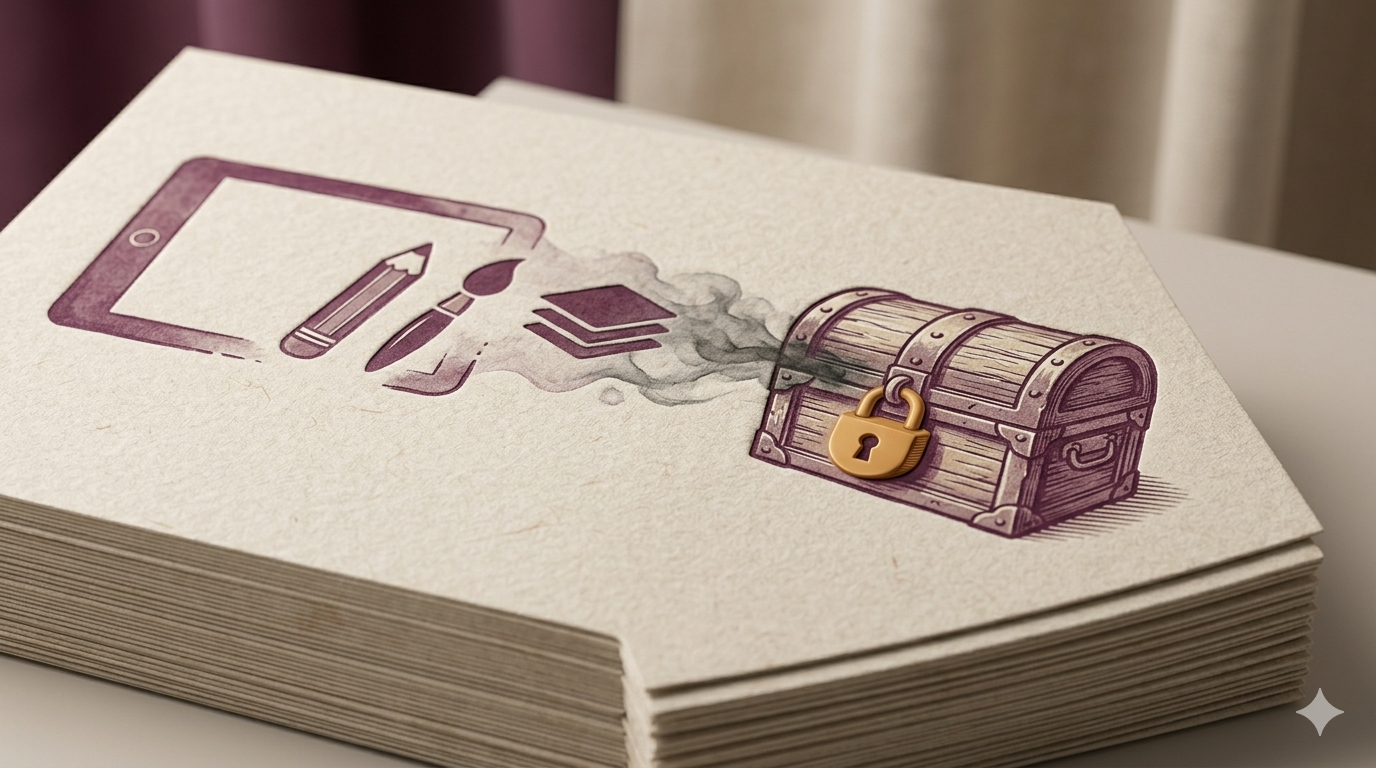
The Invisible Wall: Why Creative Subscriptions Don't Just 'Pass Down'
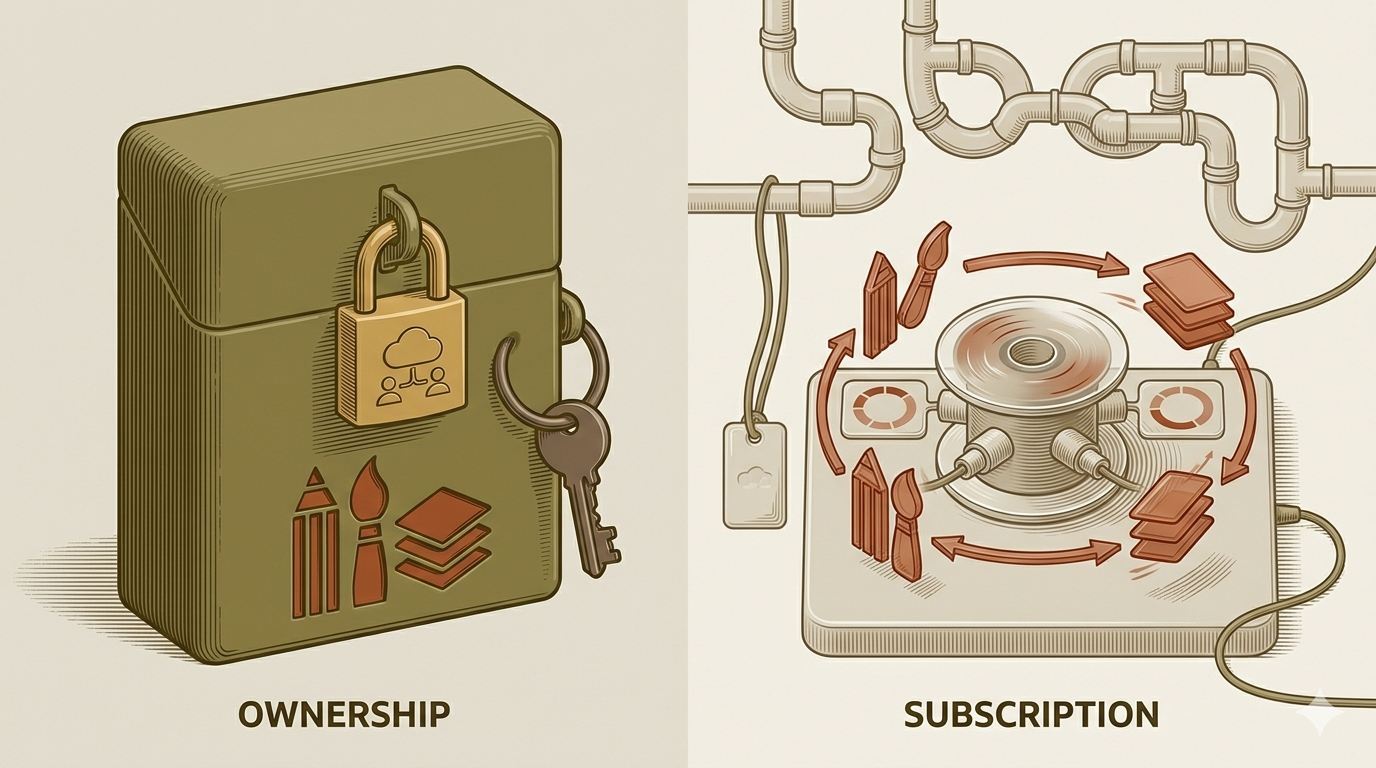
Most people assume that because they pay for a service, they "own" the account. In the world of Software as a Service (SaaS), this is rarely the case. When you sign up for creative tools, you are often entering into a personal license agreement that is not designed to be inherited.
Understanding SaaS Terms of Service (ToS) and Non-Transferability
When you click "I Agree" on a Terms of Service page, you are typically agreeing to a non-transferable license. According to qualified legal analysis from Purdue Global Law School, individual accounts are tied to a specific person and do not automatically transfer to a spouse or child.
Unlike a physical painting or a hard-drive full of files, a cloud-based account is a service. Without specific planning, your heirs may find themselves in a legal gray area where they have the right to your "work" (the exports) but no legal right to the "workspace" (the project files and cloud storage). This is a core reason what is digital legacy has become such a critical topic for modern professionals; it bridges the gap between physical ownership and digital access.
The Financial Leak: Recurring Payments vs. Asset Access
One of the most immediate problems for an estate is the "Zombie Subscription." If an executor does not have access to the account, the monthly fees for Adobe or Canva Pro will continue to be charged to the deceased’s credit card.
Probate can take months or years. During this time, an estate can lose hundreds of dollars to services no one is using. Conversely, if the family cancels the credit card to stop the billing, the software provider may eventually delete the "inactive" account and all the cloud-stored creative assets within it. This creates a high-stakes race against time that most families are unprepared for.
Specific Hurdles for Adobe Creative Cloud and Canva Users
Adobe and Canva dominate the creative landscape, but they handle legacy access very differently. Understanding these nuances is essential for managing digital creative assets for heirs.
Adobe’s Enterprise vs. Individual License Restrictions
Adobe Creative Cloud is notoriously difficult to transfer. For individual licenses, Adobe typically requires a death certificate and a court order to grant access to a third party. Even then, they may only allow the family to download the assets rather than take over the subscription.
However, Enterprise or "Teams" accounts offer more flexibility. If a designer operates under a business entity, the "Seat" belongs to the company, not the individual. This is a vital distinction for professional continuity. If the business continues, the administrator can simply reassign the license to a new user.
Canva Teams: A Potential Loophole for Legacy Access
Canva has become a staple for small business owners and digital nomads. Unlike Adobe’s rigid individual structure, Canva’s "Teams" feature allows for shared ownership of folders and designs.
If you add a trusted family member or business partner to your Canva Team with "Administrator" privileges today, they will retain access to every design and brand kit even if your personal login becomes inaccessible. This is a practical form of posthumous digital identity management that requires no legal intervention-just proactive settings management.
The Risk of Two-Factor Authentication (2FA) Lockouts
Even if your heirs have your password, Two-Factor Authentication (2FA) can be an impenetrable wall. If the 2FA code is sent to your smartphone, and your family cannot unlock your phone, they are locked out of your Adobe or Canva account.
As of April 2026, 2FA remains one of the leading causes of digital asset loss in modern estates. Without backup codes or a "Legacy Contact" setting (which Canva currently lacks), your portfolio could be lost forever simply because of a security feature designed to protect you.
The Digital Nomad Trap: Creative Assets Across Borders
For the modern freelancer, digital nomad estate planning adds a layer of complexity. If you are a citizen of one country, living in another, and your data is stored on servers in a third, which laws apply?
Jurisdictional Issues with Cloud-Based Storage
Cloud storage isn't "nowhere"-it is physically located in data centers. Adobe and Canva store data primarily in the United States and Australia, respectively. If an heir in the UK tries to claim assets, they may have to navigate international privacy laws like GDPR or the US Electronic Communications Privacy Act. This can lead to expensive legal fees that far outweigh the value of the subscription itself.
How Nomadic Lifestyles Complicate Digital Executorship
Digital nomads often lack a "permanent" physical address where a traditional executor would look for paperwork. If your creative assets are scattered across various cloud services without a central map, your executor may not even know they exist. This is why Why Having A Will Is An Act Of Care is so important; it provides the roadmap for your loved ones to find and protect your digital footprint.
Concrete Scenario: The Freelancer’s Portfolio
Consider an anonymized case of a "Lead Graphic Designer" who has ten years of client work stored in Adobe Cloud. They pass away suddenly in early 2026. Their spouse has the password but is blocked by 2FA on the designer's locked smartphone. Because the subscription is an "Individual" plan, the software provider refuses to communicate with the spouse without a formal court order.
By the time the spouse obtains the necessary legal paperwork, the credit card on file has expired, the subscription has lapsed, and the automated system has purged the "inactive" cloud storage. A decade of work-and potential future royalty income for the family-is permanently deleted. This scenario highlights why including digital assets in your will is no longer optional for professionals.
Practical How-To: 5 Steps to Execute Now
- Create a Digital Asset Inventory: List every creative subscription (Adobe, Canva, Figma, Dropbox). Note the email used, the billing cycle, and whether it’s an individual or team account.
- Download "Golden" Files: Periodically export your most important project files (.PSD, .AI, .CANVA) to an external hard drive or a neutral cloud service like Google Drive or iCloud, which have more robust legacy contact features.
- Set Up a "Dead Man’s Switch": Tools can automate the release of passwords and instructions. Understanding The Psychology Behind Dead Mans Switch helps you realize that this isn't about morbid planning, but about ensuring your "digital ghost" doesn't cause stress for your family.
- Designate a Digital Executor: Name someone in your Will who is tech-savvy enough to handle transferring design software licenses and cloud downloads.
- Store 2FA Backup Codes: Every time you enable 2FA, the platform provides "Recovery Codes." Print these out and keep them in a physical safe or a secure digital vault that your heirs can access.
Comparison: Individual vs. Team Accounts for Legacy
| Feature | Individual Account | Team / Business Account |
|---|---|---|
| Ownership | Tied to the person | Tied to the organization |
| Ease of Transfer | Difficult (Requires Legal Docs) | Easy (Admin Reassignment) |
| 2FA Risk | High (Personal Phone) | Lower (Can be managed by Admin) |
| Cost | Lower | Higher |
| Recommendation | Best for hobbyists | Best for professional legacies |
Original Practical Insight: The "Export and Archive" Rule
A non-obvious but vital recommendation for designers is the "Final Hand-Off" protocol. Most designers store "working files" in the cloud. However, the legal right to a subscription is different from the legal right to the intellectual property.
Even if your heirs can't get into your Adobe account, they legally own the copyright to your work if stated in your Will. To make this actionable, you should create a "Legacy Folder" on a standard cloud drive (like OneDrive) and sync your finished high-resolution exports there monthly. Standard cloud drives are often much easier for estates to access than specialized design software environments.
Caveats and Limits
It is important to note that digital estate planning for creative subscriptions is still a developing legal field.
- Terms Change: Companies update their ToS frequently. What works today for Canva might change by 2027.
- Copyright vs. Access: Having the password to an account does not always mean you have the legal right to use the work inside for commercial purposes.
- Taxation: In some jurisdictions, high-value digital assets may be considered taxable property in an estate. Consult a professional as suggested by Drexel University’s Estate Planning Guide.
- Platform Deletion: Many platforms reserve the right to delete data after 90 to 180 days of inactivity or non-payment, as noted in AARP's digital asset guidance.
FAQ
- Can I legally transfer my Adobe Creative Cloud subscription to my children?
Generally, no. Individual licenses are non-transferable. However, your children can inherit the assets (the files) if you provide them with the means to download them before the account is closed.
- What happens to my Canva designs if I don't set up a legacy contact?
Canva does not currently have a formal "Legacy Contact" feature like Facebook or Google. If no one has your login and you aren't part of a "Team," the designs may sit in limbo until the account is deleted for inactivity.
- How do I stop subscription fees from being charged to my estate after death?
The most effective way is for your digital executor to log in and cancel the subscription. If they cannot log in, the bank must be notified to stop the recurring payment, which may trigger account deletion.
- Does a standard Will cover digital creative software licenses?
A standard Will often covers "all property," but many SaaS companies argue that a license is not property-it's a temporary right. It is better to include a specific "Digital Assets" clause as recommended by Hands Law.
- Can my heirs download my cloud-stored assets without my login?
Usually not without a court order. Companies like Adobe are bound by privacy laws and will not hand over data just because someone claims to be a relative.
- Are digital creative assets considered taxable property in an estate?
If the assets generate income (like a portfolio that earns royalties), they are often considered part of the taxable estate depending on local jurisdiction.
Conclusion: Don't Let Your Portfolio Die with Your Subscription
Your creative legacy is more than just a collection of files; it is a lifetime of vision and hard work. However, the "invisible wall" of software Terms of Service and the hurdle of 2FA make it incredibly easy for that legacy to vanish. By treating your Adobe and Canva accounts as the valuable assets they are, you protect your family from financial leaks and technical heartaches.
The risk is clear: without a plan, your work is one missed payment away from deletion. The opportunity is equally clear: by setting up a digital vault and designating a digital executor today, you ensure your creativity lives on. Take twenty minutes this week to inventory your subscriptions and secure your backup codes. Your future heirs will thank you for this final act of care.
Freshness Note: This guide was last updated and verified against Adobe and Canva's latest available Terms of Service as of April 2026.
About the Author and Reviewer
By Cipherwill Editorial Team, Digital Legacy Research Desk Reviewed by Cipherwill Review Board, Trust & Security Review Team Last reviewed: April 2026 Editorial contributor: Myra Senapati Review contributor: Reyansh Mehta
Legal and Accuracy Caution
Legal and Accuracy Caution: The laws governing digital assets, AI likeness, and posthumous privacy are evolving rapidly and vary significantly by jurisdiction. Platform terms of service and corporate policies are subject to change without notice. This guide provides general information and should not be construed as specific legal or financial advice. Always consult with a qualified professional in your specific region regarding digital estate planning.