When you pass away, Apple, Google, and Meta are legally bound by their Terms of Service to prioritize user privacy over your family’s grief. If your heirs assume they can easily log into your accounts, they are walking straight into a devastating digital inheritance lockout. Presenting a death certificate to a technology giant without pre-configured corporate permissions does not magically grant your executor access—it often triggers a permanent, irreversible data deletion protocol. This corporate roadblock creates an immediate crisis, severing your family from irreplaceable photographs, highly sensitive financial records, and operational assets that are critical to finalizing your estate.
The reality of digital estate planning is that traditional property laws were built for physical vaults, not encrypted cloud servers. Passing down digital accounts requires bypassing native tech monopolies that view unauthorized post-mortem access as a severe security breach. To protect your family's history and wealth, you must establish an autonomous continuity system that overrides the rigid legal barriers established by Silicon Valley.

The Anatomy of a Corporate Lockout
David stood at his kitchen counter, holding his late wife Elena's iPhone. Elena had passed away suddenly three weeks prior, and as the primary financial operator of the household, her device held the entirety of their married life. It contained the two-factor authentication app needed for their shared investment accounts, fifteen years of unbacked-up family photos in iCloud, and the master spreadsheet of their property tax logins.
David had her death certificate. He had a legally binding traditional Will naming him as her sole executor. He assumed this paperwork was a skeleton key. Instead, when he reached out to the platform's support team, he hit a solid concrete wall. The representative politely informed him that for "security and privacy reasons," they could not unlock the device or grant access to the account data. They could factory-reset the hardware so he could use the physical phone again, but Elena's entire digital existence—the photographic history of their children's earliest years—would be permanently wiped.
David’s scenario is not a rare edge case. It is the default operational procedure for billions of active digital accounts worldwide. Families repeatedly underestimate the absolute cryptographic authority these companies wield over personal data.
Why Apple and Google Default to Deletion
To comprehend the severity of this issue, you must look directly at the legal frameworks that govern modern cloud infrastructure. The core conflict lies between standard inheritance expectations and stringent corporate liability.
The "No Right of Survivorship" Clause
When attempting to access a deceased person's Apple account, families are actively fighting against an explicit legal agreement the user signed upon creating the account. According to Apple's specific iCloud Terms of Service, accounts are non-transferable. The Terms state that any rights to an Apple ID or Content within an account terminate upon the user's death. Upon receipt of a copy of a death certificate, the account may be completely terminated and all content permanently deleted.
This means the very document (the death certificate) designed to prove your legal right to manage an estate acts as a self-destruct mechanism when handed to Apple Support without a pre-designated "Legacy Contact" already verified in the system.
The Google Inactivity Trap
Similarly, many families ask what happens to Gmail when you die. The answer depends heavily on timing and preemptive action. If a user has not configured the Inactive Account Manager, Google account closure protocols heavily restrict third-party access. Furthermore, due to newer data privacy mandates, Google actively purges accounts that have been inactive for two years. A grieving family stuck in probate court for eighteen months might finally secure a court order demanding Google release the data, only to find the servers executed an automated wipe months prior.
The Legal Void: Understanding RUFADAA
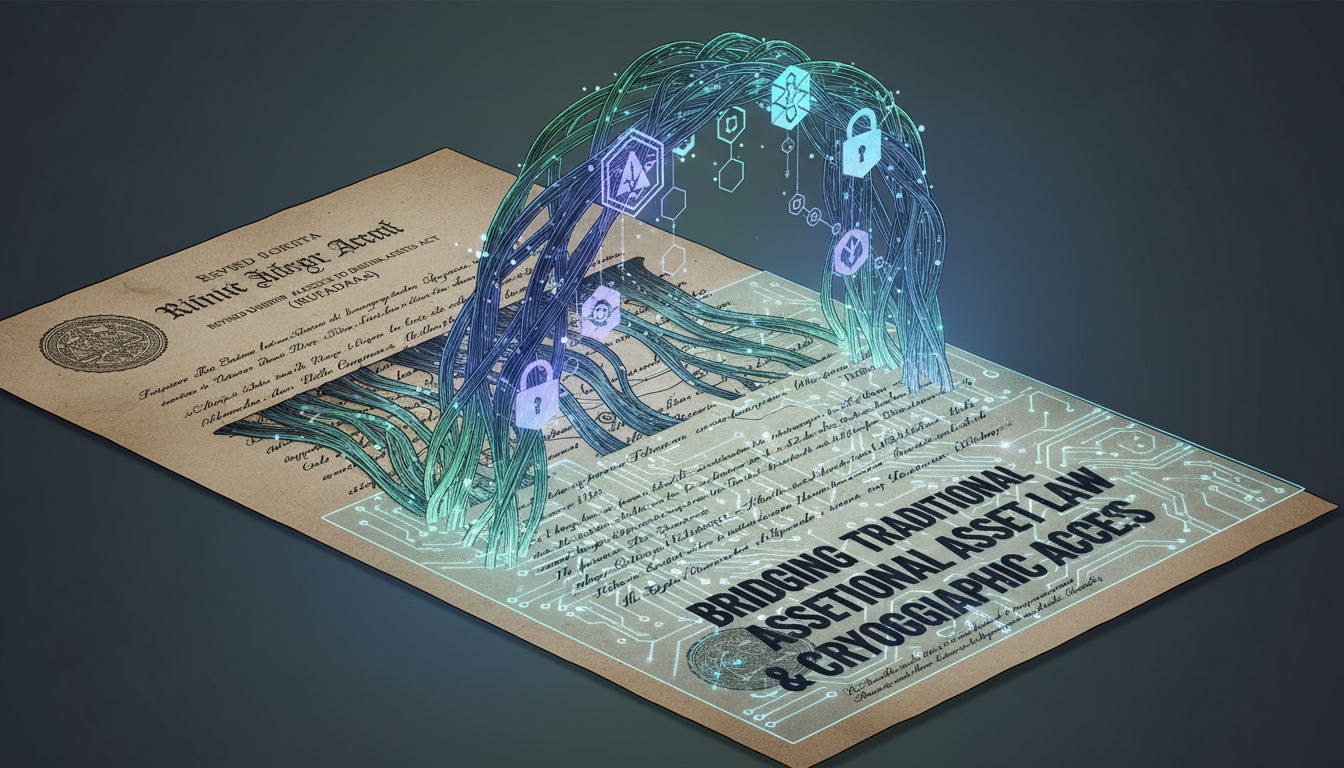
Many people leave a perfectly drafted Will tucked away in a safe, assuming their attorney has everything handled. Unfortunately, ink on paper rarely breaks 256-bit encryption. The intersection of estate law and digital data is governed by frameworks like the Revised Uniform Fiduciary Access to Digital Assets Act (RUFADAA).
According to Article 13-A of the Estates, Powers and Trusts Law governing RUFADAA in jurisdictions like New York, there is a strict hierarchy that determines who gets access to your digital life. Understanding this hierarchy reveals exactly why generic Wills fail:
- First Priority (The Online Tool): If you use a platform's built-in digital legacy tool, that setting overrides all other legal documents.
- Second Priority (The Terms of Service): If no online tool was used, the platform's Terms of Service dictate access. (As established, most state that the data dies with you).
- Third Priority (The Will): Only if the first two steps fail to define outcomes does your physical Will have a chance to legally mandate access—assuming the platform decides to cooperate without endless litigation.
Common Mistakes Families Make During a Digital Crisis
When the sudden reality of losing access to vital cloud assets hits, families often panic. In their haste to recover data or financial access, they trigger security fail-safes that irreversibly damage their chances of recovery. These are the most destructive operational mistakes observed by security professionals:
- Blindly Reporting the Death to Tech Giants: Submitting a death certificate before fully understanding the platform’s specific post-mortem protocol. This frequently results in immediate, automated account termination.
- Brute-Forcing Passwords: Attempting to guess the deceased’s login credentials multiple times. After a handful of failed attempts, platforms like Apple lock the device permanently, requiring completely different un-recoverable recovery keys.
- Canceling the Mobile Plan Too Early: Executors often cancel the deceased person's cell phone plan to save money. This immediately kills any chance of receiving SMS two-factor authentication (2FA) codes. Telecoms quickly recycle phone numbers, meaning a stranger could soon control the gateway to the deceased's digital life.
- Ignoring the Biometric Trap: Assuming FaceID or TouchID will work indefinitely. Devices often require a manual PIN fallback after restarted or untouched for 48 hours, locking out physical access entirely.
- Assuming Legal Authority Translates to Digital Authority: Believing a court order will instantly compel a tech company to hand over gigabytes of user data without extreme procedural delays and legal fees.
The Customer Support Void
Four weeks after his initial attempt, David found himself sitting at his dining room table, a stack of probate court documents spread out before him. He was on his fifth phone call with a major email provider's tier-one support line. He patiently explained that he did not want to violate user privacy; he solely needed three years of PDF tax returns trapped inside Elena’s cloud storage space to prevent an IRS audit penalty on her estate.
The support agent, reading strictly from a compliance script, recited a variation of the same phrase David had heard for a month: "Sir, without a preemptively assigned legacy contact or a highly specific digital subpoena, we are strictly unauthorized to bypass encryption on this account. I understand your frustration, but we value our users' privacy." A profound realization hit David—the tech company was protecting his wife's privacy from the very person she built her life with, because she had never formally introduced an operational bridge between the two.
Comparing Solutions: Platform Features vs. Decentralized Access
Relying solely on each platform's proprietary solution means auditing dozens of settings across the internet. A superior strategy is adopting a decentralized continuity tool like Cipherwill's continuity architecture, which centralizes your intent and securely hands operational keys directly to your heirs without asking Big Tech for permission.
| Feature Mechanism | Big Tech Legacy Options (Apple/Google) | Independent Architecture (Cipherwill) |
|---|---|---|
| Trigger Protocol | Manual death certificate submission or arbitrary inactivity periods. | Automated "Dead Man's Switch" or verifiable multi-factor live status checks. |
| Data Access Scope | Strictly limited. Usually blocks payment info, third-party apps, and certain files. | Unrestricted. Heirs receive direct master keys, seeds, and credentials to act as you. |
| Cross-Platform Use | Siloed. Google’s tool won't help your family access your Apple, crypto, or banking assets. | Universal. One central vault dictating access across all financial, digital, and social ecosystems. |
| Corporate Red Tape | High. Subject to terms of service changes, customer service delays, and legal holds. | Zero. Cryptographic release directly from you to your beneficiary, bypassing third-party vetoes. |
How to Prevent a Digital inheritance Lockout: An Implementation Framework
A strong digital continuity plan requires moving out of theoretical estate planning and engaging in rigid operational prep. You must circumvent the operational reality of dying without a will that includes robust digital clauses. Start by running this exact Digital Vulnerability Checklist:
- Identify all "Hub" accounts (email addresses used to reset passwords across other services).
- Verify who physically owns the mobile number tied to primary 2FA gateways.
- Locate hardware security keys (YubiKeys, Ledgers) and list physical storage locations.
- Determine which of your devices require biometrics versus mandatory PIN fallbacks.
Your Phased Action Plan
Once your vulnerabilities are mapped, apply the following steps to ensure durable continuity for your family:
- Consolidate the Core Credentials: Strip away the noise of unused subscriptions. Focus entirely on the master passwords for your password manager, primary email, banking aggregates, and mobile carrier. Your heirs need the root keys, not the branches.
- Implement a Dead Man's Switch: Utilize a trustless cryptographic platform to hold these root keys. Configure a system that pings you periodically. If you fail to respond after a set duration, the system automatically decrypts your operational toolkit and securely delivers it to your selected beneficiaries.
- Codify Telecom Instructions: Write direct instructions to your executor forbidding them from canceling your mobile number for a minimum of one year postpartum. The preservation of SMS capability is arguably the most vital step in the modern asset recovery process.
- Conduct a Drill with Your Executor: Your heirs should not discover your digital architecture on the day of your passing. Perform a dry-run where you explain how your multi-factor verification flows work, ensuring they understand the difference between device passcodes and cloud storage access.
Frequently Asked Questions
Question: Can Apple unlock an iPhone if someone dies?
Answer: No. Apple cannot bypass the biological or passcode encryption on an iPhone, regardless of whether you present a death certificate or a court order. Their architecture is mathematically designed to prevent forced entry, meaning without the PIN or an established Legacy Contact, the local device data is lost.
Question: What happens to Gmail when you die?
Answer: If no action is taken, Google’s automated policies label the account as inactive. After two years of inactivity, Google will permanently delete the Gmail account and all associated Drive data to free up server space and comply with privacy regulations, unless an Inactive Account Manager was previously setup.
Question: Will my standard physical will cover my digital assets?
Answer: Usually, no. While traditional wills grant legal authority, under RUFADAA, an individual platform's terms of service or their native online inheritance tools legally override the physical will. Tech companies enforce their own strict internal guidelines before complying with local probate codes.
Question: What is a digital inheritance lockout?
Answer: It is the bureaucratic and cryptographic reality where grieving families are barred from accessing a deceased loved one's cloud data, emails, and financial portals because big technology companies prioritize user privacy agreements over un-configured legacy transitions.
Question: Why is canceling the deceased person's phone plan dangerous?
Answer: The vast majority of digital accounts rely on SMS text messages for two-factor authentication. If you cancel the phone plan, the telecom provider releases the phone number back to the public pool. You lose the ability to receive reset codes, rendering recovery impossible.
Question: How do I access a deceased person's Apple account?
Answer: The only guaranteed method is if the deceased user proactively added you as a "Legacy Contact" within their Apple ID settings before they passed. This provides you with an alphanumeric access key needed alongside the death certificate to download the associated cloud data.
Question: Can passing down digital accounts be fully automated?
Answer: Yes. By utilizing advanced digital inheritance platforms, users can establish multi-stage encryption protocols like a "Dead Man's Switch." This system monitors for account holder activity and autonomously distributes asset keys directly to heirs without platform interference.
Question: What does RUFADAA do for digital estate planning?
Answer: The Revised Uniform Fiduciary Access to Digital Assets Act creates a standardized legal framework for fiduciaries to manage internet accounts and cryptocurrencies. It dictates that specific online legacy tools provided by developers always trump broad clauses listed in traditional legal paperwork.
By Cipherwill Editorial Team, Reviewed by Cipherwill Review Board, Trust & Security Review Team
Editorial contributor: Myra Senapati
Review contributor: Tavish Bhonsle