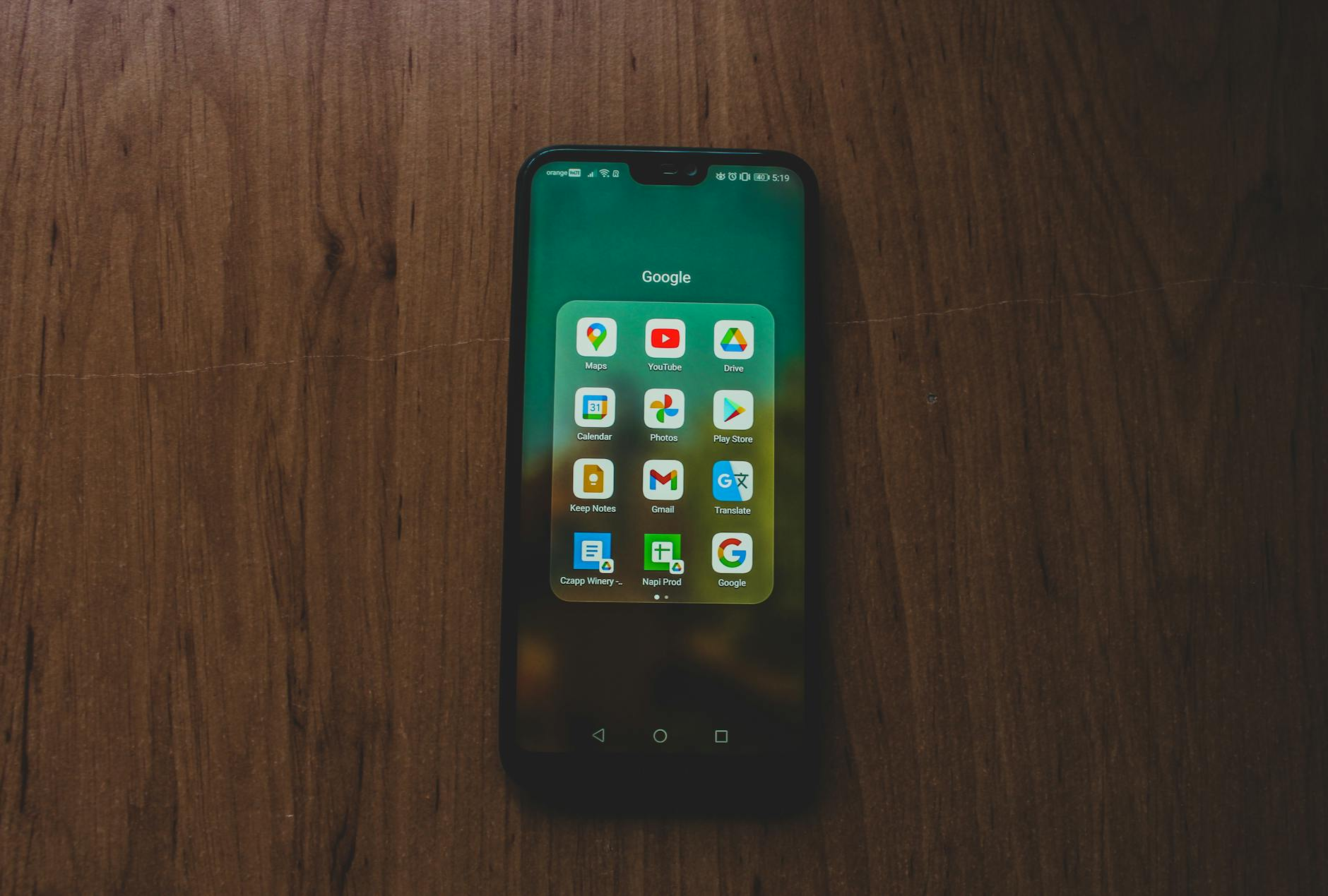
Securing a digital estate requires more than just sharing passwords; it necessitates a proactive strategy for bypassing the cryptographic barriers that protect modern accounts. When a primary account holder passes away without a transition plan, heirs often face a total lockout from financial platforms, professional repositories, and personal archives because they lack the physical or digital "token" required for Two-Factor Authentication (2FA). This guide provides a technical and legal roadmap for transferring Google Authenticator access to heirs, solving the problem of permanent account loss. As of April 2026, data indicates that approximately 85% of individuals lack a comprehensive plan for their digital assets, frequently leaving families unable to navigate security layers like 2FA https://isl.fsu.edu/article/take-steps-ensure-your-heirs-have-access-your-digital-assets.
By Cipherwill Editorial Team, Digital Legacy Research Desk Reviewed by Cipherwill Review Board, Trust & Security Review Team Last reviewed: April 2026 Editorial contributor: Vedant Kulshreshtha Review contributor: Reyansh Mehta
Legal and Accuracy Caution
Legal and Accuracy Caution: The laws governing digital assets, AI likeness, and posthumous privacy are evolving rapidly and vary significantly by jurisdiction. Platform terms of service and corporate policies are subject to change without notice. This guide provides general information and should not be construed as specific legal or financial advice. Always consult with a qualified professional in your specific region regarding digital estate planning.
Transferring Google Authenticator access to heirs
The security architecture of Google Authenticator is designed to prevent unauthorized access by binding a "secret key" to a specific device. While this effectively thwarts remote hackers, it creates a significant hurdle for estate executors. Unlike traditional assets, digital accounts protected by 2FA cannot be accessed simply by presenting a death certificate to a local branch. Understanding what is digital legacy is the first step in recognizing that a smartphone is no longer just a phone; it is the master key to a person's entire financial and professional existence.
The Technical Barrier: Local vs. Cloud 2FA
For many years, Google Authenticator functioned as a local-only application. In practice, this meant the cryptographic seeds were stored only in the phone's secure hardware enclave. If the phone was destroyed or the passcode forgotten, the codes were lost forever. In recent updates, Google introduced cloud synchronization, which allows codes to be backed up to a Google Account.
While cloud sync improves convenience, it may create a circular dependency for heirs. If the heir needs a 2FA code to log into the deceased's Google Account, but that code is stored inside the account they are trying to access, they reach an impasse. This technical deadlock is why manual exports and physical backup codes remain the gold standard for digital succession. Organizations often enforce 2FA so strictly that even system administrators may be unable to grant access to a deceased user's data without these pre-established bypasses https://knowledge.workspace.google.com/admin/security/avoid-account-lockouts-when-2-step-verification-is-enforced-by-your-organization.

Scenario: Lead Developer and the Single Point of Failure
Consider the role of a Lead Developer at a mid-sized software firm who manages the 2FA access for the company’s primary AWS instance, GitHub organization, and domain registrar. This individual uses Google Authenticator on a personal device to secure these high-stakes professional environments.
In the event of sudden incapacity, the development team may find themselves unable to deploy critical security patches or renew domain names because the Lead Developer’s phone is locked behind a biometric shield. Because no "Secret Keys" were shared with a designated technical successor, the company faces operational paralysis. This scenario demonstrates that transferring Google Authenticator access to heirs or professional successors is a matter of business continuity. If this professional had followed protocols on how to package an online business for handover to heirs today, the 2FA seeds would have been securely archived in a corporate vault or a managed digital estate plan.
Step-by-Step: Creating a 2FA Recovery Kit for Heirs
To ensure a smooth transition, you must create a "recovery kit" that exists independently of your primary mobile device. Follow these five steps to prepare your 2FA assets for your successors:
- Generate One-Time Backup Codes: Navigate to your Google Account security settings and generate a set of 10 "Backup Codes." These are 8-digit numbers that allow a user to bypass 2FA once per code. These are essential for heirs to gain initial entry into the primary Google Account.
- Initiate the Export Process: Open the Google Authenticator app on your smartphone, tap the menu icon, and select "Transfer accounts," then "Export accounts."
- Select Critical Accounts: Choose the specific accounts (e.g., banking, crypto exchanges, primary email) that your heirs will need to manage.
- Capture the Export QR Code Offline: The app will generate a large QR code containing the account seeds. Do not take a screenshot that syncs to a cloud photo library. Instead, print this QR code using a wired connection or display it on a screen and capture it with an offline camera.
- Secure Physical Storage: Place the printed QR code and the 10 backup codes in a fireproof safe or a secure deposit box. Ensure your executor knows the location and has the legal authority to access it.
Comparison of 2FA Succession Methods
| Method | Reliability | Heir Effort | Security Risk |
|---|---|---|---|
| Physical Backup Codes | Very High | Low | Physical theft/fire |
| Google Cloud Sync | Medium | High (requires Google login) | Account lockout loop |
| Exported QR Code | High | Medium | Unauthorized physical access |
| Hardware Security Keys | High | High (requires tech skill) | Physical loss of key |
| Digital Estate Vault | Very High | Low | Service provider failure |
Original Practical Insight: The "3-2-1" 2FA Rule
Borrowing from traditional data redundancy principles, we recommend the "3-2-1" strategy for 2FA succession. This involves maintaining three copies of your 2FA access (the active phone, a printed export, and a set of backup codes), stored on two different media types (digital and physical paper), with one copy stored offsite (such as a safe deposit box or a trusted relative's home). This ensures that even if a home is lost to a disaster, the digital keys to the family's financial future remain intact.
Caveats and Limitations of 2FA Transfer
Transferring access is not a one-time event but an ongoing maintenance task. As of April 2026, several factors can complicate this process:
- Platform Policy Shifts: Companies like Google or Apple may change their 2FA protocols or "Legacy Contact" features without notice, potentially rendering old backup methods obsolete.
- Biometric Barriers: Even if an heir possesses your physical phone, they may be unable to open the Authenticator app if it is locked by FaceID or a fingerprint sensor. It is vital to include the phone’s alphanumeric passcode in your estate documents.
- SMS-Based 2FA: Some services still rely on SMS. In these cases, the heir needs the SIM card. Ensure your mobile carrier account has a "Secondary Authorized User" who can manage the line after your passing.
- Jurisdictional Variability: Laws like the Revised Uniform Fiduciary Access to Digital Assets Act (RUFADAA) in the United States may provide a legal framework, but they do not provide a technical solution for encrypted devices https://pcmag.com/explainers/how-to-make-sure-loved-ones-can-access-your-online-accounts-after-you-die.
Technical Succession for Specialized Assets
For those managing high-value digital assets, 2FA is the only thing preventing total loss. One of the most costly mistakes that lock your crypto after death is assuming that a standard will covers the technical access required for exchanges.
Furthermore, developers must consider their GitHub or GitLab presence. GitHub allows users to designate a "Successor" who can manage public repositories. However, for private IP and corporate access, the successor must have the 2FA seeds or the recovery codes associated with that specific developer account. When estate planning after divorce, it is equally important to revoke old 2FA access and update your technical successors to reflect your current wishes.
Practical Checklist: 2FA Readiness
| Action Item | Frequency | Target Location |
|---|---|---|
| Refresh Google Backup Codes | Annually | Physical Safe |
| Update Phone Passcode in Will | Every 6 Months | Attorney's Office |
| Test Export QR Code | Once | Offline Device |
| Assign GitHub Successor | Once | GitHub Settings |
| Verify Inactive Account Manager | Every 6 Months | Google Security |
FAQ: Transferring Google Authenticator access to heirs
- Can I just give my heir my Google password?
No. Even with a password, Google's security systems will likely trigger a 2FA challenge if the heir logs in from a new device or location. They will need the Authenticator code or a backup code to proceed.
- What happens if I lose my phone before I make a backup?
If you have not generated backup codes or enabled cloud sync, you must use the recovery options provided by each individual service (e.g., banking, social media). This often requires identity verification that can take days or weeks.
- Is the "Secret Key" the same as a password?
The Secret Key is a cryptographic seed used to generate the rotating 6-digit codes. If an heir has this key, they can add your account to their own Google Authenticator app at any time https://curity.io/resources/learn/authenticate-with-google-authenticator.
- Does Google’s Inactive Account Manager handle 2FA?
Google's Inactive Account Manager can share data (like emails and photos) after a period of inactivity, but it does not automatically transfer the "live" 2FA functionality needed to log into third-party websites.
- Can I store my 2FA seeds in a password manager?
Yes, but only if your heir has a way to get into that password manager without needing a 2FA code from the phone they are trying to recover. This is why physical backups are recommended as a fail-safe.
- How do I handle 2FA for work-related accounts?
Work accounts are often governed by corporate IT policies. You should check if your company has a "break-glass" procedure for administrative access and ensure your digital executor is aware of who to contact at your firm https://talk.tidbits.com/t/how-can-heirs-get-access-to-accounts-protected-with-2fa/25295.
Conclusion
The transition of digital authority is one of the most overlooked aspects of modern estate planning. Failing to transfer Google Authenticator access to heirs creates a high risk of permanent data loss and financial frozenness. However, by implementing a "3-2-1" backup strategy and maintaining a physical recovery kit, you provide your loved ones with the opportunity to settle your affairs without the stress of technical lockouts.
The opportunity to secure your legacy is available now through simple, proactive steps: generate your backup codes, print your export QR, and update your legal documents to include digital access rights. This guide remains fresh as of April 2026, reflecting the current intersection of cybersecurity and digital inheritance law.
About the Author and Reviewer
By Cipherwill Editorial Team, Digital Legacy Research Desk Reviewed by Cipherwill Review Board, Trust & Security Review Team Last reviewed: April 2026 Editorial contributor: Vedant Kulshreshtha Review contributor: Reyansh Mehta
Legal and Accuracy Caution
Legal and Accuracy Caution: The laws governing digital assets, AI likeness, and posthumous privacy are evolving rapidly and vary significantly by jurisdiction. Platform terms of service and corporate policies are subject to change without notice. This guide provides general information and should not be construed as specific legal or financial advice. Always consult with a qualified professional in your specific region regarding digital estate planning.