Recent data suggests that approximately 90% of adults have not included digital assets in their estate planning, leaving billions of family photos and videos at risk of permanent deletion. When a loved one passes away, grieving families often find themselves locked out of cloud accounts due to strict security protocols designed to keep hackers out-but which also block legitimate heirs. This guide solves the "digital lockout" dilemma by providing a technical and legal roadmap for securing family cloud storage, ensuring your digital history is not lost to a forgotten password or a deactivated phone.
By Cipherwill Editorial Team, Digital Legacy Research Desk Reviewed by Cipherwill Review Board, Trust & Security Review Team Last reviewed: March 2026 Editorial contributor: Vedant Kulshreshtha Review contributor: Ishani Debroy
Legal and Accuracy Caution: The laws governing digital assets, AI likeness, and posthumous privacy are evolving rapidly and vary significantly by jurisdiction. Platform terms of service and corporate policies are subject to change without notice. This guide provides general information and should not be construed as specific legal or financial advice. Always consult with a qualified professional in your specific region regarding digital estate planning.
The Digital Dead End: Why Passwords Are No Longer Sufficient
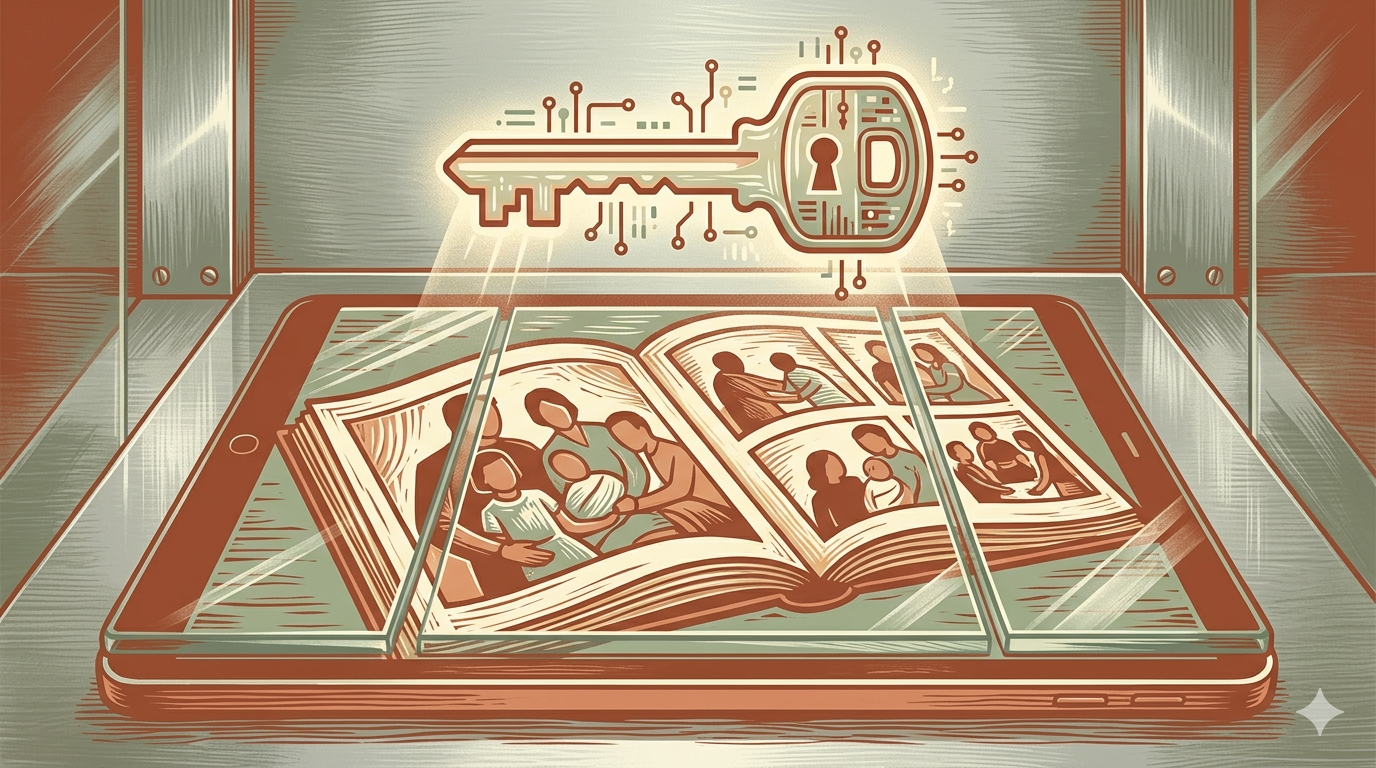
Many individuals believe that sharing a primary password with a spouse or child is sufficient for digital succession. However, as of March 2026, modern security architecture relies heavily on "zero-trust" models and device-specific authentication. Even with a correct password, a platform may trigger a security alert if the login attempt originates from an unrecognized device or location, potentially locking the account permanently to protect against perceived unauthorized access.
The Trap of Two-Factor Authentication (2FA) After Death
Two-Factor Authentication (2FA) represents a significant hurdle in posthumous data recovery. If a parent’s account is tied to their smartphone for SMS codes or an authenticator app, the account can become a digital fortress once that device is deactivated or wiped.
If the family cancels the deceased’s cellular plan too quickly, the phone number may be reassigned to a new user. This makes it impossible to receive the recovery codes needed to access a family media library. Families often realize this too late, after the cellular service is terminated and the "gatekeeper" device is locked behind a passcode they do not know. According to Fox News Tech, failing to account for these hardware-based locks is a primary reason families lose access to digital legacies.
Terms of Service: Corporate Policy vs. Family Grief
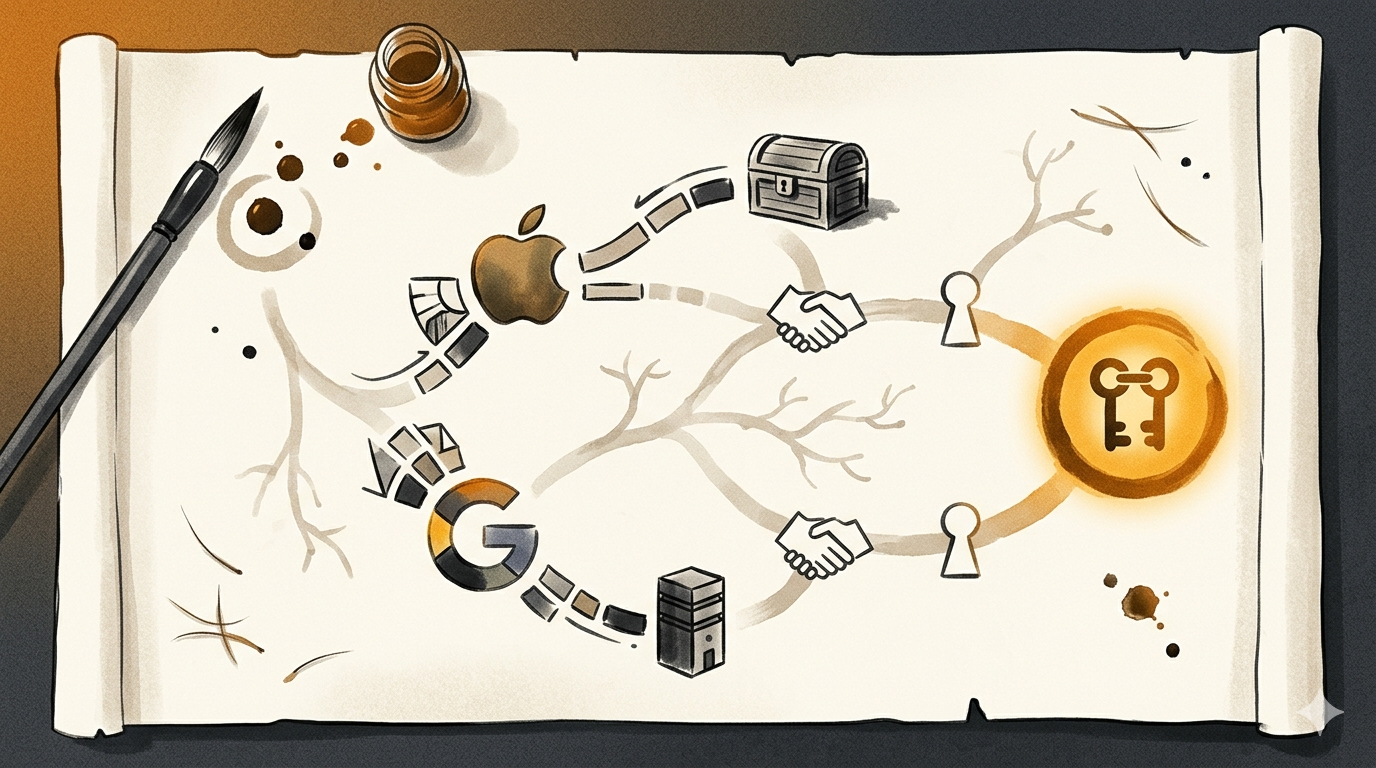
When users sign up for cloud storage, they agree to a Terms of Service (ToS) agreement. These contracts are generally "non-transferable." Legally, the company’s contract is with the individual, not their heirs. Many providers view a request for access from a grieving relative as a potential security breach.
Without specific legal tools or pre-set legacy features, companies like Apple and Google may refuse to grant access even if provided with a death certificate. Research on viable solutions to the digital estate planning dilemma indicates that the lack of federal uniformity in digital asset laws means families are often at the mercy of corporate policy rather than clear legal rights.
Rescuing the Family Media Library
The family photo library is often the most sentimental part of a digital inheritance. However, managing this transition requires understanding the specific tools each platform provides as of March 2026.
Apple Legacy Contacts vs. Google Inactive Account Manager
Apple and Google have created specific pathways for transferring cloud access, but these must be configured in advance.
- Apple Legacy Contact: This allows a user to designate a person who can access data after they pass away. The contact receives a unique access key. After the owner passes, the contact provides the key and a death certificate to Apple. Apple’s official support documentation notes that this is the primary way to access photos, messages, and notes without needing the original device passcode.
- Google Inactive Account Manager: This functions as a "dead man’s switch." The user decides how long Google should wait before determining an account is inactive (e.g., 3 months). Once that time passes, Google notifies chosen contacts and shares specific data folders authorized by the user.
The Risk of Subscription Lapses and Data Purging
One of the most overlooked "cliffs" in digital estate planning is the billing cycle. Most family cloud storage relies on a monthly subscription. If a parent was the "Family Organizer" and their credit card is cancelled or frozen after death, the subscription fails.
While companies may offer a grace period, some may downgrade the account to a free tier immediately. If the family library exceeds the free tier limit (often 5GB to 15GB), the provider may prevent new access or eventually purge data. This is why simple ways to get people to finish their digital will fast often emphasize securing the payment method as a priority.
The Role of the Digital Executor in Cloud Recovery
A digital executor is a person specifically named in a will or a digital estate plan to manage non-physical assets. This role is becoming as vital as a traditional executor because of the complexity of shared family plans.
Defining Authority Over Non-Physical Assets
Traditional wills often mention "tangible personal property," which covers physical items like jewelry. However, digital assets-like photos in the cloud or cryptocurrency-are often considered "intangible." Without specific language granting a digital executor power to bypass passwords or interact with service providers, the executor may be legally blocked.
For those with more complex digital portfolios, such as estate planning for DeFi investors, the digital executor needs both legal authority and technical instructions to prevent assets from being lost to the blockchain.
Hardware Security Keys: The Posthumous Access Wildcard
Hardware security keys (like YubiKeys) are a gold standard for security but can be a nightmare for digital inheritance. If a user utilizes a physical key to log in and does not leave a backup key or the "recovery codes" provided during setup, the account may be permanently unrecoverable. Unlike a password that can sometimes be reset via email, a lost hardware key often means the data is encrypted and inaccessible. A digital executor must know where these physical keys are kept and which accounts they protect.
Scenario: The "Subscription Cliff" Case
Consider an anonymized scenario involving a Primary Account Holder who manages billing for a 10-year-old family photo library. The Primary Account Holder passes away, and the Heirs, in their grief, follow standard financial advice to freeze the deceased's bank accounts and credit cards.
Within 30 days, the cloud storage provider attempts to charge the monthly subscription fee. The payment is declined. The "Family Sharing" plan is automatically disbanded by the system. Because the Primary Account Holder's account was the host, the Heirs lose access to the shared albums. When they attempt to log in to the primary account to update the payment info, they are met with a 2FA prompt sent to the deceased's deactivated phone.
This creates a "Digital Lock-Out." Without a pre-established Legacy Contact, the Heirs may spend months in probate court seeking a court order that the tech company might still challenge based on privacy policies. This highlights why experts at Reputation Defender suggest planning digital inheritance as early as possible.
Proactive Steps to Prevent Digital Data Loss
You do not have to leave your family’s memories to chance. Taking action can prevent a catastrophic loss of data.
Automating Access Transfers
The most effective way to ensure a smooth transition is to use automated tools. This is why families use dead man's switches for clarity. These systems check in on the user periodically. If the user fails to respond, the system automatically sends encrypted access instructions to the heirs.
Creating a Digital Asset Map
A "Digital Asset Map" is a document that tells your heirs what you have and where it is. It should not necessarily contain passwords, but it should contain the "path" to the data.
How to Create Your Plan (Step-by-Step):
- Inventory Your Accounts: List every cloud service (iCloud, Google, Dropbox, OneDrive, Adobe Creative Cloud).
- Assign Legacy Contacts: Use the built-in tools on Apple and Google accounts immediately to designate heirs.
- Secure the Payment Method: Ensure a secondary person is an authorized user on the billing account or use a shared family payment method that will not be frozen instantly.
- Print Recovery Codes: For every account using 2FA, print the "Backup Recovery Codes" and store them in a physical safe or a secure digital vault.
- Designate Your Digital Executor: Formally name this person in your legal will and provide them with the location of your Digital Asset Map.
Comparison: Cloud Provider Legacy Features (March 2026)
| Feature | Apple (iCloud) | Google (Drive/Photos) | Microsoft (OneDrive) |
|---|---|---|---|
| Formal Legacy Tool | Legacy Contact | Inactive Account Manager | None (Requires Court Order) |
| Data Shared | Photos, Mail, Contacts, Files | Selected Data (Gmail, Drive, etc.) | Full Account Access (if ordered) |
| Requirement | Access Key + Death Certificate | Period of Inactivity | Court Order / Proof of Kinship |
| Ease of Use | High (Pre-set) | High (Pre-set) | Difficult |
Caveats and Limits
While legacy tools are helpful, they have limits that users must understand:
- Privacy vs. Access: Legacy contacts often receive access to a broad range of data, including private messages or search history. There is currently limited "fine-grained" control to share only photos while keeping messages private.
- Jurisdiction: Laws like the Revised Uniform Fiduciary Access to Digital Assets Act (RUFADAA) in the U.S. provide a framework, but international users may face different hurdles. According to Estate Planning People, state-specific laws can significantly impact how easily an executor can gain access.
- Encrypted Files: If you use "Advanced Data Protection" (end-to-end encryption), even the tech company cannot help you if the recovery keys are lost.
Original Practical Insight: The "Primary Email" Pivot
Most people use one primary email (like Gmail) as the "recovery" address for every other account (Netflix, Bank, Social Media). If you secure the *one* primary email account through an Inactive Account Manager, you effectively give your heirs a "skeleton key" to reset passwords for almost every other service. Focus 90% of your effort on securing the primary email and the mobile phone number; the rest of the digital estate usually follows those two keys.
If your estate includes modern assets like crypto, the stakes are even higher. Learning how to plan passing crypto to family across blockchains requires a similar mix of technical "switches" and legal designations to ensure assets are not lost to the blockchain.
FAQ
- Can I legally access my deceased parent's iCloud account?
Yes, if they named you as a Legacy Contact. If not, you may need a court order naming you the lawful heir, and even then, Apple may only provide the data, not access to the account itself.
- What happens to a family shared plan when the organizer dies?
The plan usually stays active until the next billing cycle fails. Once the payment fails, the "Family" group is disbanded, and individual members may lose access to shared storage.
- How do I set up a Google Legacy Contact for my parents?
Help them navigate to "Inactive Account Manager" in their Google Account settings. You can set the wait period and add your email as the person to notify.
- How long do cloud providers keep data after a subscription stops?
It varies. Some providers may keep data for 30-60 days, while others might begin the deletion process or block access immediately upon account downgrade if the storage limit is exceeded.
- Can a death certificate get me access to a locked iPhone?
No. For security reasons, Apple cannot bypass a device passcode even with a death certificate. They can only help you reset the Apple ID or wipe the device for reuse.
- What is a digital executor and do I need one?
A digital executor is someone who handles your online presence after death. You may need one if you have sentimental photos, monetized social media, or financial assets stored online.
Conclusion
The "digital lock-out" is a modern tragedy that is often preventable with proactive planning. As we shift our lives into the cloud, our estate planning must evolve beyond physical paper. The risk of losing decades of family history to a subscription lapse or a 2FA prompt is real and immediate.
By setting up Legacy Contacts, documenting your "Digital Asset Map," and using automated tools to ensure your heirs receive the keys they need, you can protect your digital inheritance. As noted by Forbes, digital assets are the new "blind spot" in modern estate planning. Do not wait for a crisis to realize you are locked out. Take ten minutes today to appoint a legacy contact-it is the simplest way to ensure your family memories live on.
Freshness Note: This guide was last reviewed in March 2026 to reflect the latest posthumous data policies from major cloud providers and current digital inheritance laws.
About the Author and Reviewer
By Cipherwill Editorial Team, Digital Legacy Research Desk Reviewed by Cipherwill Review Board, Trust & Security Review Team Last reviewed: March 2026 Editorial contributor: Vedant Kulshreshtha Review contributor: Ishani Debroy
Legal and Accuracy Caution
Legal and Accuracy Caution: The laws governing digital assets, AI likeness, and posthumous privacy are evolving rapidly and vary significantly by jurisdiction. Platform terms of service and corporate policies are subject to change without notice. This guide provides general information and should not be construed as specific legal or financial advice. Always consult with a qualified professional in your specific region regarding digital estate planning.