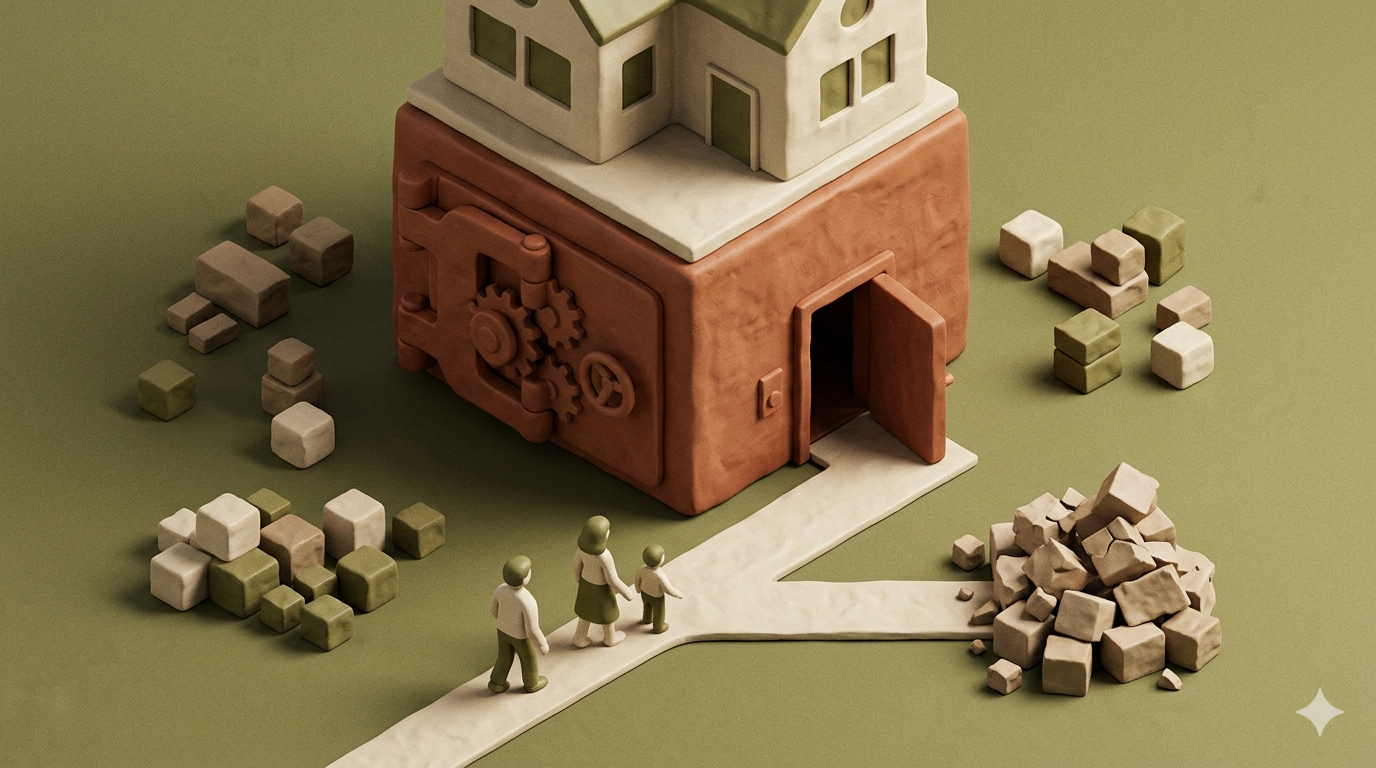
In a world where a significant majority of households are projected to utilize smart devices by March 2026, the convenience of a "connected home" can quickly turn into a digital prison for grieving families. When a primary account holder passes away without a formal transition plan, heirs often find themselves locked out of their own front doors, unable to adjust the heat, or barred from accessing vital security footage. This guide explores the hidden crisis of smart home inheritance and provides a clear roadmap to ensure your technology serves your loved ones rather than standing in their way.
By Cipherwill Editorial Team, Digital Legacy Research Desk Reviewed by Cipherwill Review Board, Trust & Security Review Team Last reviewed: March 2026 Editorial contributor: Iraan Qureshi Review contributor: Reyansh Mehta
Legal and Accuracy Caution: The laws governing digital assets, AI likeness, and posthumous privacy are evolving rapidly and vary significantly by jurisdiction. Platform terms of service and corporate policies are subject to change without notice. This guide provides general information and should not be construed as specific legal or financial advice. Always consult with a qualified professional in your specific region regarding digital estate planning.

The Invisible Wall: Why Smart Homes Do Not Automatically Transfer
Most users assume that because they physically own a smart bulb or a smart lock, that ownership naturally passes to their next of kin. However, in the eyes of many technology providers, you may not own the device’s full functionality; rather, you often own a license to use the proprietary software. This creates a massive gap in digital estate planning for IoT, where hardware ownership does not equate to administrative control.
The Proprietary Lock-In: Ecosystem Barriers
Each major ecosystem handles "ownership" differently. Apple HomeKit is deeply tied to an individual's Apple ID. Google Home relies on a "Home" structure where one person is usually the super-admin. If the master account is deleted or becomes inaccessible, the entire ecosystem can collapse. Unlike a physical key that you can simply hand over, transferring smart device ownership after death requires navigating complex terms of service that were not necessarily designed with mortality in mind.
Two-Factor Authentication: The Ultimate Barrier for Heirs
Even if a family member knows your password, Two-Factor Authentication (2FA) often acts as a dead end. If the 2FA code is sent to a deceased person’s smartphone and that phone is locked, the heir is effectively blocked from the smart home controller. This is why IoT security in estate planning must include a strategy for bypassing or inheriting 2FA methods, such as hardware security keys or recovery codes.
Critical Risks of an Unplanned IoT Estate
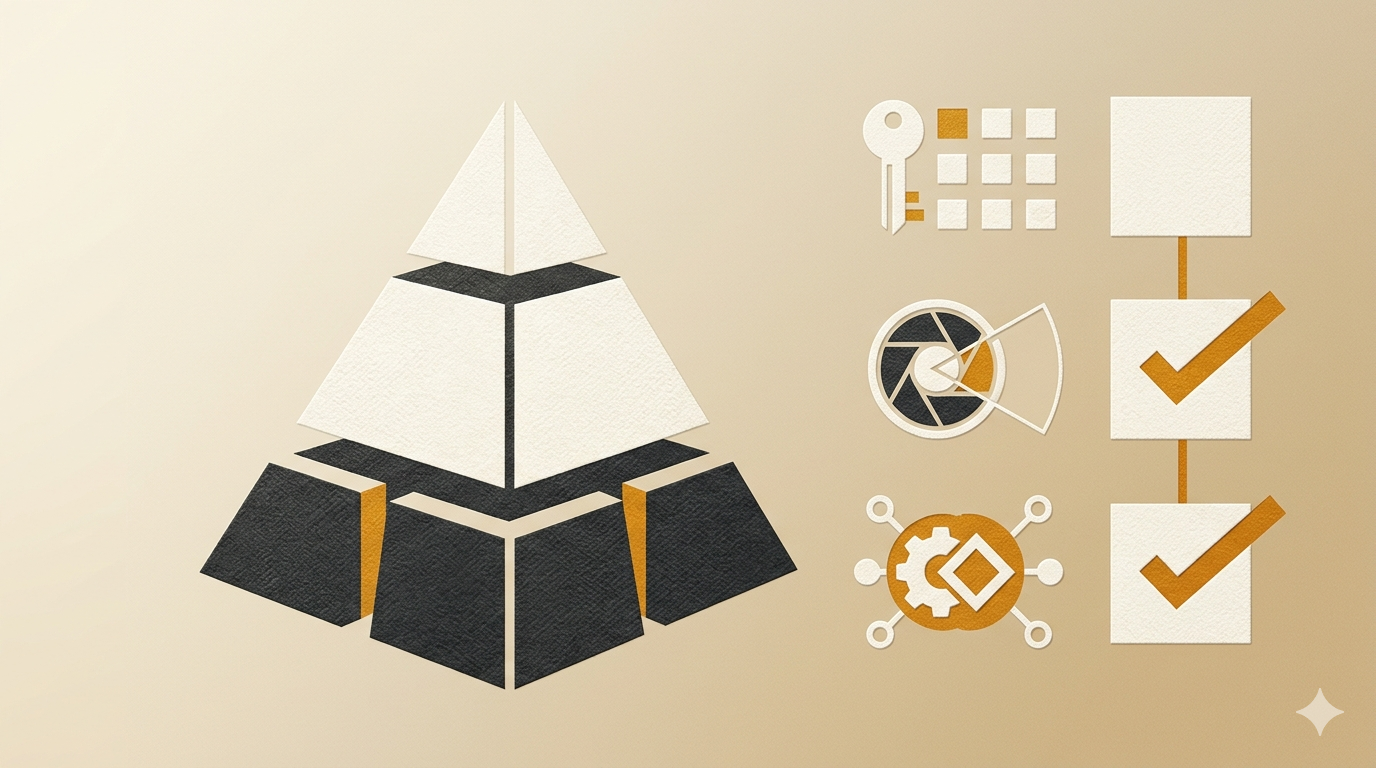
The risks of a "zombie" smart home are more than just an inconvenience; they can escalate into physical emergencies. Without a proper guide to estate planning for digital assets, the very tech meant to protect a home can become its greatest vulnerability.
Physical Access Emergencies
Imagine a scenario where a family member needs to enter a home to settle an estate, but the smart lock emergency access for heirs was never set up. If the smart lock is the only way in and the account is locked, an expensive locksmith or a broken window might be the only solutions. Similarly, if a smart thermostat is stuck in an energy-saving mode during a freeze because the owner is not there to trigger motion sensors, pipes can burst.
Subscription Expiration and Service Loss
Many smart homes rely on cloud subscriptions for basic features. Security cameras often require monthly fees to save footage or use AI detection. If the credit card on file is canceled after a death, the security system may stop recording entirely. This is why understanding revocable trust vs will key differences explained is helpful; a trust can hold the "digital identity" and payment methods of a home to keep these services running without interruption.
Scenario: The "Locked Out" Executor
In this anonymized scenario, an "Administrative Head of Household" manages all technical aspects of a highly automated residence. Upon their sudden passing, the "Surviving Spouse" and the "Estate Executor" find they cannot change the temperature, the garage door will not open via the app, and the security system is chirping due to a lost connection to the master account.
Because the deceased used a unique, non-shared email for the smart home hub, the family has no way to reset the password. They are forced to perform a "factory reset" on dozens of different devices, losing all schedules, energy data, and security history in the process. This scenario highlights the smart home lockout after death that occurs when administrative rights are siloed in a single individual's account.
Step-by-Step: Securing Your IoT Legacy
You can prevent your home from becoming a digital fortress by taking these five proactive steps.
- Identify Your Ecosystem's Legacy Tools: Check if your primary provider has a legacy contact feature. Apple, for instance, allows you to designate a "Legacy Contact" who can access your account data, including HomeKit settings, upon proof of death.
- Create a Shared "Home" Account: Instead of using your personal email, consider setting up a dedicated "family" email to manage the smart home. Share this login with a trusted partner or include it in your formal estate documents.
- Document Hardware Locations: Create a map or list of where every hub, bridge, and smart plug is located. If an heir needs to perform a hard reset, they must be able to find the physical "reset" button on the device.
- Store Master Codes in a Vault: Use a secure digital vault or a "Dead Man’s Switch" service to store master PINs, recovery keys, and administrative passwords. This ensures that the psychology behind dead mans switch technology works in your family's favor by releasing info only when necessary.
- Provision Physical Backups: Always keep at least one physical key for smart locks and one traditional remote for garage doors in a secure, known location, such as a fireproof safe.
Comparison: Legacy Access by Platform (As of March 2026)
| Feature | Apple HomeKit | Google Home | Amazon Alexa |
|---|---|---|---|
| Legacy Contact Tool | Yes (Apple Legacy Contact) | Yes (Inactive Account Manager) | No (Requires Legal Process) |
| Shared Admin Rights | Yes | Yes | Yes |
| Transfer Ownership | Difficult (Requires Reset) | Moderate (Invite New Admin) | Difficult (Requires Device Deregistration) |
| 2FA Recovery | Trusted Devices/Recovery Key | Backup Codes/Recovery Phone | Recovery Phone/Email |
Legal and Security Considerations for Smart Device Access
The intersection of privacy law and estate law remains complex for smart devices. While an executor has the right to physical property, their right to the data inside that property is often contested by tech companies citing privacy regulations.
Privacy Laws vs. Executor Rights
Even if an executor has a court order, a company might refuse to give them access to a deceased person’s voice recordings or camera history. This is why it is vital to explicitly mention "Digital Assets and IoT Devices" in your Will or Trust. Without clear language, your heirs may face significant delays while legal teams debate privacy boundaries.
Preventing Posthumous IoT Identity Theft
A smart home that remains "active" but unmonitored is a prime target for hackers. If a deceased person's accounts are compromised, a hacker could potentially unlock the front door or watch live camera feeds. Part of passing down smart home ecosystems is ensuring that the security software remains updated even after the owner is gone.
Original Practical Insight: The "Matter" Advantage
A non-obvious but powerful tip for future-proofing your home is to prioritize devices that support the Matter protocol. Matter is a standard that allows devices from different brands to work together locally, without relying solely on a specific company’s cloud. Because Matter devices can often be controlled by multiple "controllers" at once, it is much easier for an heir to add their own phone as a new controller without needing the original owner’s cloud credentials. This reduces the "platform lock-in" that often causes inheritance failures.
Caveats and Limits
It is important to remember that technology changes faster than the law. A "Legacy Contact" feature that works in March 2026 might be discontinued or altered by 2028. Furthermore, many smart home devices have a limited lifespan; a smart lock from 2020 may not be supported by 2030. Your digital estate plan must be reviewed annually to ensure the hardware and software listed are still in use and functional.
Smart Home Inheritance Checklist
| Category | Action Item | Importance |
|---|---|---|
| Access | Do heirs have a physical backup key for all smart locks? | Critical |
| Credentials | Is the master login stored in a secure digital vault? | High |
| Legacy Tools | Has an Apple or Google Legacy Contact been named? | High |
| Billing | Is the IoT subscription linked to a joint account or trust? | Medium |
| Documentation | Is there a list of all hub and router locations? | Medium |
FAQ
- What happens to my smart thermostat if I die?
If no one has the login, the thermostat will typically continue to run its last programmed schedule. However, without account access, heirs cannot change settings remotely or update the schedule. Eventually, if the Wi-Fi changes, it may require a physical factory reset.
- Can my executor reset my smart locks without my phone?
Most smart locks have a physical "reset" button inside the battery compartment. An executor can use this to wipe your data and set the lock up as "new," but they will lose all previous access logs and codes.
- Does Apple HomeKit have a legacy contact feature for smart homes?
Yes. If you set up an Apple Legacy Contact, that person can request access to your iCloud data after you pass. This includes the ability to manage HomeKit devices associated with your Apple ID.
- How do I transfer ownership of a Ring doorbell after death?
Ring generally requires the executor to provide a death certificate and legal documentation to transfer account ownership. It is much easier to add the heir as a "Shared User" with full permissions while you are still alive.
- Will my family lose access to smart home subscriptions?
Yes, if the payment method is closed or if the account is deleted due to inactivity. To prevent this, link these services to a shared family payment method or a trust account.
- Can a smart home be hacked after the owner passes away?
Yes. If the software is not updated or if the primary account is compromised through an unmonitored email, the IoT devices can become entry points for cybercriminals.
- How do I include smart home devices in my Letter of Intent?
List the brand of your hub, the location of the main router, and the location of any "emergency" physical keys. Mention that this is part of your broader strategy for what is a partnership agreement and why it matters if you manage a home office from your smart property.
- What is the best way to store master codes for smart home hubs?
Use a dedicated digital legacy platform or a password manager with an "emergency access" feature. Avoid writing codes on paper near the hub, as this is a physical security risk.
Conclusion
Smart home inheritance is a critical component of modern estate planning. We spend years building ecosystems that make our lives easier, but without a clear plan for transferring smart device ownership after death, those same devices can become a source of immense stress for our families. The risk of total lockout is high, but the opportunity to provide a seamless transition exists for those who act proactively.
The key to a successful digital legacy is a combination of technical preparation-like setting up legacy contacts-and physical documentation. Do not wait until a lockout occurs. Take time this month to document your hubs, share admin access with your partner, and ensure your "smart" home remains a helpful asset for the people you love. Recent regulatory shifts, such as those discussed regarding removing regulatory barriers, suggest that while physical housing barriers are being addressed, digital barriers remain a personal responsibility.
Freshness Note: This guide was last updated in March 2026 to reflect the latest changes in platform legacy programs and the widespread adoption of the Matter 1.4 protocol.
About the Author and Reviewer
By Cipherwill Editorial Team, Digital Legacy Research Desk Reviewed by Cipherwill Review Board, Trust & Security Review Team Last reviewed: March 2026 Editorial contributor: Iraan Qureshi Review contributor: Reyansh Mehta
Legal and Accuracy Caution
Legal and Accuracy Caution: The laws governing digital assets, AI likeness, and posthumous privacy are evolving rapidly and vary significantly by jurisdiction. Platform terms of service and corporate policies are subject to change without notice. This guide provides general information and should not be construed as specific legal or financial advice. Always consult with a qualified professional in your specific region regarding digital estate planning.