
Disclaimer: The content provided in this article is for informational purposes only and does not constitute formal legal advice. Please consult with a qualified legal professional regarding your specific digital estate planning needs.
Digital Decay: Why Cloud Accounts Can Delete Your Legacy Before Your Family Finds It
When someone dies, their cloud accounts do not get a funeral. A payment can fail, a storage plan can change, and an account can eventually be deleted. Without a plan, family photos, financial records, and other important files may become difficult or impossible to recover.
This is not usually the result of a hacker or a single employee making a decision. It is often the result of ordinary account rules running after a death or serious illness. A few simple steps can give your family more time and a clearer path to the information you want them to receive.
The Timing Problem: Probate and Cloud Accounts
Probate can take six to nine months, and some estates take longer. Cloud providers may reduce storage or restrict an account soon after a payment fails. Their policies may allow deletion after a period of inactivity, often measured in months or years.
"The greatest threat to a digital legacy is not a sophisticated hacker breaching a server, but a standard $2.99 monthly credit card charge failing without a backup succession protocol."
Inheritance law can give an executor a legal process for requesting access. It does not guarantee that a provider will keep an account active forever or restore files that have already been deleted. The Revised Uniform Fiduciary Access to Digital Assets Act (RUFADAA) may help a fiduciary request digital property, but state law and each provider's terms still matter.
Marcus's Experience
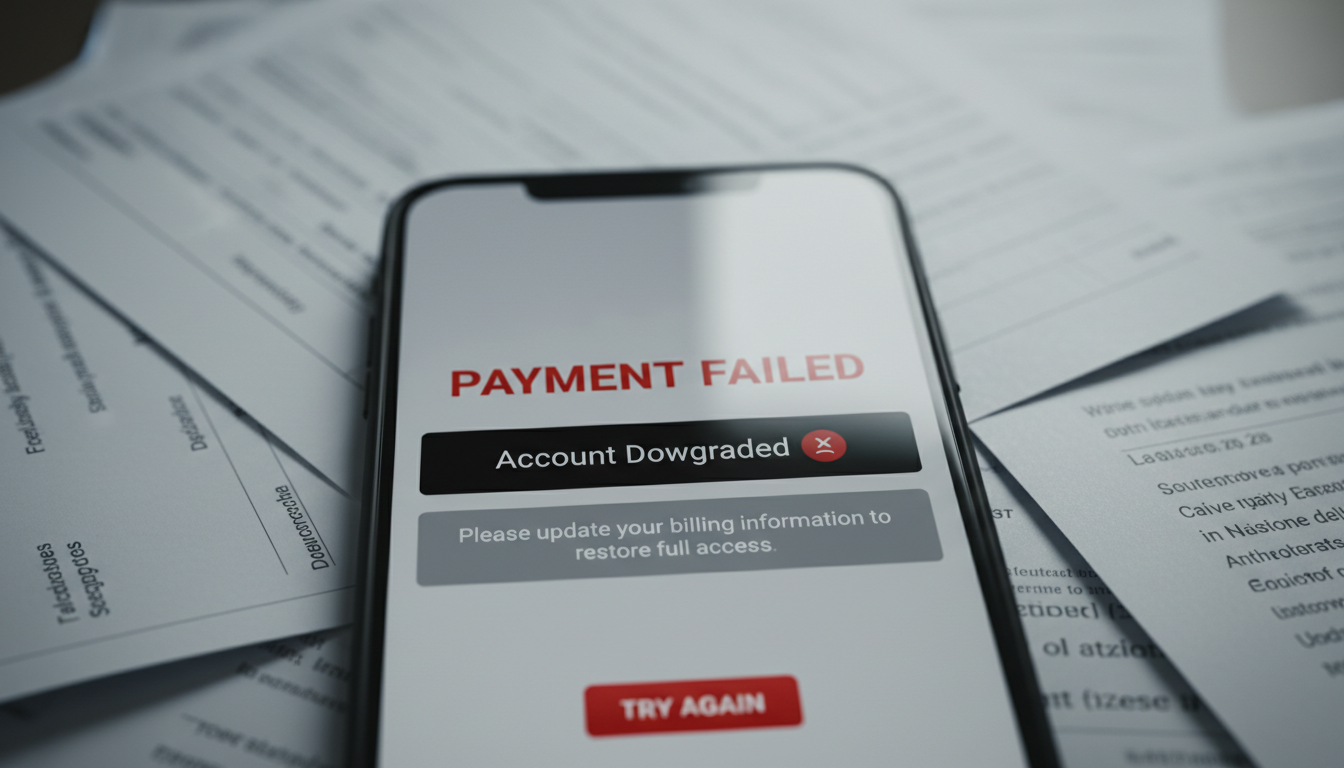
Marcus began handling his father's estate with a death certificate, a will, and help from an attorney. He expected the process to take several months. Three days after his father's bank account was frozen, the payment for a large cloud storage plan failed.
The provider reduced the account to its free storage limit. The files were not necessarily deleted that day, but the account could no longer accept new files, and messages sent to the account became hard to manage. Marcus also needed his father's phone number to complete some account recovery steps, so canceling the phone plan made the process harder.
Marcus worked with the provider and his attorney to document his authority. He kept the phone number active, identified the recovery email, and found a recent backup on an external drive. Those steps gave him access to the most important records before the provider's inactivity deadline became a concern.
He did not recover everything immediately. Some connected services required separate requests, and a few older files were missing. But by making a list of accounts, preserving the phone number for a limited time, and copying important files to a new family-controlled location, Marcus was able to save his father's tax records and most of the family photographs.
Comparing Cloud Storage After-Death Policies
Cloud providers use different rules for failed payments, inactivity, storage limits, and deletion. Policies can change, so check the current terms for every service you use. The table below is a planning guide, not a promise that a provider will follow one exact timeline.
| Storage Ecosystem | What May Happen After a Payment Failure or Long Inactivity |
|---|---|
| Apple iCloud | A plan may stop renewing, leaving the account over its free storage limit. Review the Apple iCloud terms and use Apple's legacy-contact options where available. |
| Dropbox | A paid plan may return to a Basic plan after billing problems. Syncing and storage can be limited, and long-term inactivity may lead to account action under Dropbox's current terms. |
| Google Workspace | Nonpayment can suspend services and restrict administrator access. Google also has inactivity and deletion rules, so administrators should review current policies and set up more than one recovery contact. |
Inactive Account Tools Need Human Follow-Through
Some providers let you name a trusted contact or choose what happens after a long period without activity. For example, Google's Inactive Account Manager can notify a person you choose and share selected data.
These tools work only if the settings are current and the trusted person recognizes the message. Test the contact information, explain what the message will look like, and do not rely on a phone number or email account that may disappear at the same time.
Why Connected Apps Can Stop Working
OAuth is the technology that lets you sign in to other apps with a Google, Apple, or Microsoft account. When that main account is locked or deleted, connected apps may ask for a new sign-in or stop working.
Six months after his father's death, Marcus tried to use a tax service connected to his father's email account. The service asked for a fresh sign-in, and the old recovery steps no longer worked. He found the same issue with a family calendar, so he contacted each service separately and moved the records he could still access to accounts controlled by the estate.

Common Planning Mistakes
A digital estate plan does not need to be complicated. It does need to account for changing passwords, security checks, and provider rules.
- Relying only on a will: Writing passwords in a will does not work well. By the time anyone reads it, the passwords may be expired or useless without the phone needed for two-factor authentication.
- Assuming a court order restores deleted files: Legal authority can help an executor request access, but it may not bring back files that a provider has already deleted.
- Canceling a phone plan too soon: A phone number may receive recovery codes. Keep it active until the executor has reviewed important accounts and moved the needed information.
- Ignoring device access: Some phones, tablets, and computers use encryption. Record the device passcode and set up the provider's approved legacy-contact or recovery options.
Two Practical Ways to Prepare
- A paper-and-person plan: Keep an account list, instructions, and the location of important documents with your estate records. Update it regularly and store passwords in a secure password manager rather than in the will itself.
- An encrypted handoff service: Some services store encrypted instructions or files and release them to named people after checks you set in advance. Compare their security, backup, recovery, and cancellation policies before choosing one.
A Simple Five-Step Digital Estate Plan
- Gather your passwords in one secure place: Use a reputable password manager or another protected system. Tell your executor how to find it without putting the passwords in a public document.
- Set up more than one recovery method: Add a trusted email, recovery codes, or a hardware security key where the provider allows it. Avoid using only a phone plan that may be canceled.
- Set up a dead man's switch: Some services ask you to confirm that you are well at regular intervals. If you stop responding, they can notify a chosen person or release instructions according to your settings.
- Decide who receives what: Separate financial records, work files, and personal photos. Give each person only the information they need.
- Review the plan once a year: Check passwords, subscriptions, recovery contacts, devices, and provider policies. Update the plan after a move, divorce, new device, or major account change.
Digital Preservation Checklist
- Check legacy contacts: Make sure the people you chose can reach you and understand what to do.
- List paid services: Record each storage plan, its payment method, and what happens if payment stops.
- Separate account types: Keep banking, work, health, and personal accounts clearly labeled.
- Add backup recovery options: Do not let your recovery email depend on the same account you are trying to recover.
- Plan for phone access: Tell the executor to keep the phone number active until key accounts are reviewed, subject to the family's legal and financial advice.
Marcus's experience shows why timing matters. His family did not need a perfect technical system; they needed an account list, working recovery details, a current backup, and enough time to act. Preparing those items now can make an already difficult period more manageable.
Frequently Asked Questions
Question: What triggers deletion of a cloud account after someone dies?
Answer: A payment may fail, which can reduce storage or suspend the account. After a period of inactivity, the provider may delete the account under its current policy. The exact timing differs by service.
Question: How can Inactive Account Manager tools help?
Answer: They can notify a trusted person and share selected data after a period without activity. Keep the contact details current and make sure the person knows to look for the notification.
Question: Will a death certificate prevent cloud storage deletion?
Answer: Not always. A death certificate may help begin a provider's review, but it does not guarantee access or stop every account deadline. Use the provider's process and consult the estate's attorney.
Question: Does RUFADAA guarantee an executor access to deleted content?
Answer: No. RUFADAA may support a fiduciary's request for digital assets, depending on state law and the provider's rules. It generally cannot restore files that have already been permanently deleted.
Question: What is the biggest practical risk?
Answer: The biggest risk is losing access to the main email, phone number, or recovery method. Other apps may depend on that account, so one problem can make several accounts harder to reach.
Question: How can an escrow or time-capsule service help?
Answer: These services can keep encrypted instructions or files outside a person's everyday cloud subscriptions. Depending on the service, they release them to chosen recipients after scheduled check-ins or other conditions.
Question: Should an executor cancel a deceased person's phone plan right away?
Answer: Not necessarily. The number may be needed for account recovery, so discuss the timing with the estate's attorney and keep it active until important accounts have been reviewed.
Question: Can a paper estate plan protect cloud accounts?
Answer: It can provide useful instructions, but a static list of passwords is not enough. Combine legal documents with a password manager, recovery plan, backups, and provider tools.
Author's Note: Cipherwill
Cipherwill is one option for people who want to organize encrypted instructions and plan a digital handoff. Its dead man's switch is designed to use scheduled check-ins and predefined instructions. It is not a replacement for a will, legal advice, provider-specific planning, or independent backups.
Before choosing any service, compare how it handles encryption, identity checks, backups, account recovery, recipient changes, and cancellation. You can learn more at Cipherwill.
By Cipherwill Editorial Team, Reviewed by Cipherwill Review Board, Trust & Security Review Team.
Editorial contributor: Vedant Kulshreshtha
Review contributor: Tavish Bhonsle